04 / How it works
Watch a booking happen.
A customer chooses care, picks a day and time, adds a name, then confirms.
Watch the recording ↓How It Actually Works
- 01Choose care
- 02Pick a day
- 03Pick a time
- 04Add your name
- 05Check and confirm
- 06Booking confirmed
Start with your website.
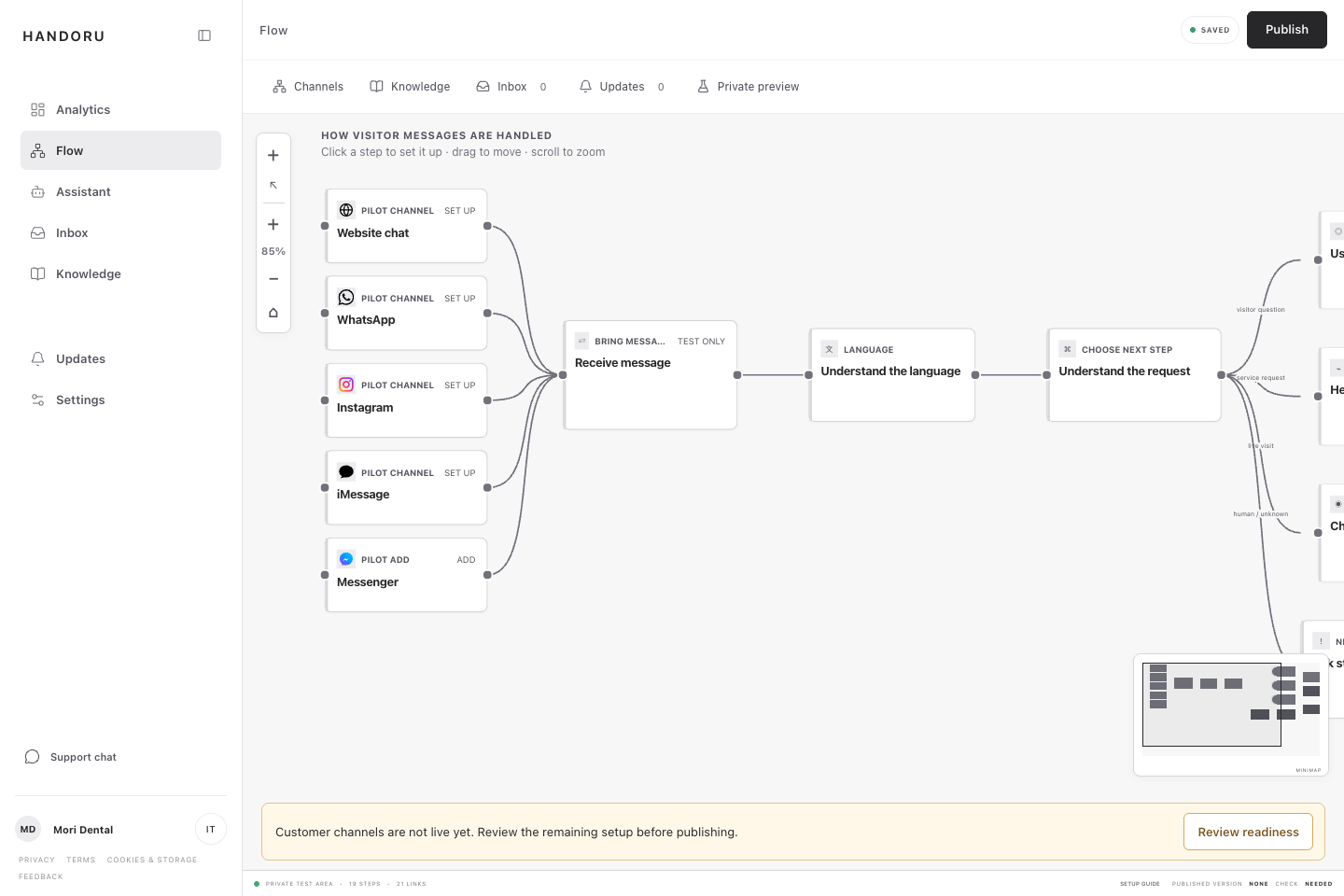
HANDORU reads your public pages for hours, services, prices, and policies. Your team reviews what it finds, then connects the booking calendar or other sources it should use.
Add your website
HANDORU gathers the useful details.
Review the information
Keep, edit, or remove anything before customers see it.
Connect one source
Start with the booking calendar or business tool needed for the pilot.
Test one request
Your team sees the full reply before the pilot goes live.
You do not need to rebuild your website or move customers into a new app.